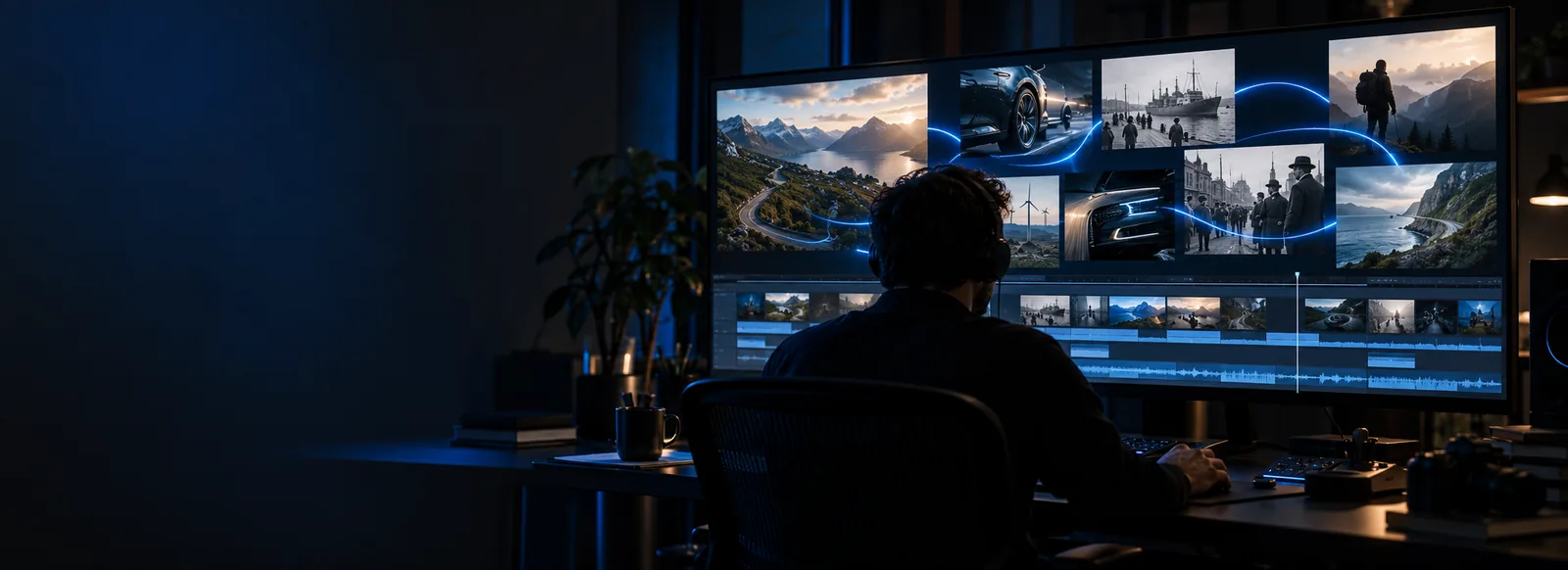
These vidrush examples free you from a blank prompt box: start with a concrete scene, then adapt its subject, pacing, and format. They are ideas to test, not a gallery of verified Vidrush outputs or a promise of free exports.
Four ways to shape a useful example
Each use case starts with a visual objective and ends with something specific you can inspect. Change the details to suit your footage or idea.
Local business owner
Prompt for a brief café introduction: morning light, a close-up of a drink being made, and a welcoming final shot. Name the intended vertical format.
Check whether Vidrush gives the scenes a coherent order and leaves room for a caption you can add later.
Describe a short visual explanation of the water cycle, separating evaporation, condensation, and rain into clear scenes rather than asking for everything at once.
Review the Vidrush draft for visual clarity and verify every scientific detail before showing it to students.
Ask for an atmospheric city-arrival sequence with a wide opening view, street-level details, and a quiet closing image. Specify a consistent time of day.
Use the result as a visual direction test, not as evidence that the depicted place or landmarks are accurate.
A useful example is a starting brief, not a guaranteed finished video.
1
Choose one purpose
Pick a single audience and outcome, such as introducing a café or illustrating a classroom concept. Vidrush has more to work with when the prompt identifies the subject and intended viewing format instead of listing unrelated ideas.
2
Describe the shots
Write two or three moments in sequence. Add lighting, camera distance, and pace only where they help. For the café example, try an exterior opening shot, a preparation close-up, and a welcoming final frame.
3
Inspect and revise
Submit your prompt, then check whether the result follows the requested sequence. If a transition or object changes unexpectedly, revise that detail in the prompt. Verify text, factual depictions, and usage conditions before sharing.
These related guides address the tool, access, and trust questions that can arise while testing a video idea.
Limits and edges of example prompts
Not verified output samples
The scenarios on this page describe videos to attempt; they are not proof that Vidrush will produce a particular frame, duration, or style. Results can differ from the brief.
WorkaroundTreat each prompt as a test and judge the generated result on its own.
No guarantee of free export
Free here refers to using these example ideas. This page cannot confirm which generation, download, or reuse options are available when you try a prompt.
WorkaroundCheck the options shown before generating and again before exporting.
No automatic fact-checking
An educational scene or place-based video may include inaccurate text, imagery, or implied facts. A convincing visual is not a reliable source.
WorkaroundVerify claims and locations independently, and replace uncertain material before publishing.
Compare a single scene with a shot sequence
The same idea can be brief or structured. Choose based on what you need to evaluate in Vidrush.
Single-scene prompt
Shot-sequence prompt
1
Best for
Single-scene prompt
Testing a visual mood
Shot-sequence prompt
Testing a short narrative
2
Café example
Single-scene prompt
One warm interior view
Shot-sequence prompt
Exterior, preparation, final frame
3
Prompt detail
Single-scene prompt
Subject, light, camera view
Shot-sequence prompt
Subject, ordered shots, transitions
4
What to inspect
Single-scene prompt
Composition and appearance
Shot-sequence prompt
Continuity and pacing
5
Likely revision
Single-scene prompt
Refine one visual detail
Shot-sequence prompt
Clarify a shot or its order
6
Important check
Single-scene prompt
Does the subject look right?
Shot-sequence prompt
Does each shot support the story?
Turn an example into your own brief
Try a focused video prompt
Choose one of the scenarios, replace its subject with yours, and describe the shots you want to see. Test the idea, review the result, and check available output options before you share it.
The four scenarios above offer prompts for a local business, classroom explanation, travel story, and product demonstration. They are original starting ideas, not confirmed Vidrush output samples. Change the subject and shot details to fit your project.
No. These are written video briefs you can try, not a verified gallery of generated results. What appears after submission may differ, so inspect the output rather than treating a prompt as a preview.
No. The example prompts are free to read and adapt, but that does not establish the availability of generation or downloads. Check the options presented when you use the tool before committing to an export.
Name a subject, a setting, and the intended format, then describe one clear shot or a short sequence. Add a visual style only if it matters to the result. Review what Vidrush produces and revise the least clear instruction first.
You can adapt a scenario as a creative brief, but verify factual details, depicted products, and any text before publication. Check the applicable usage conditions for the output you receive. A generated scene should not stand in for a real demonstration or a trusted source.